
Ship From Store allows a retailer to use its stores as fulfillment and shipping centers for e-commerce orders. This model relies on reliable inventory management, precise allocation rules, and coordination among stores, orders, and carriers. Learn how it works, its benefits, its limitations, and the prerequisites that must be met before implementing it.
” Ship From Store ” involves using inventory from a physical store to pick and ship an order placed online. The retail location thus becomes a fulfillment center, complementing a central warehouse or other storage facilities.
- What is Ship From Store?
- How does Ship From Store work?
- What are the advantages and limitations of Ship From Store?
- What are the prerequisites for implementing Ship From Store?
- How does Shippingbo help manage Ship From Store?
The principle seems simple: ship from the most appropriate available inventory. In practice, however, it’s necessary to know which store actually has the product, reserve that inventory before an in-store sale, assign the order to the correct location, and then organize its preparation and shipping.
It is this coordination that distinguishes a true e-commerce “Ship From Store” system from an occasional shipment made from a single store.
What is Ship From Store?
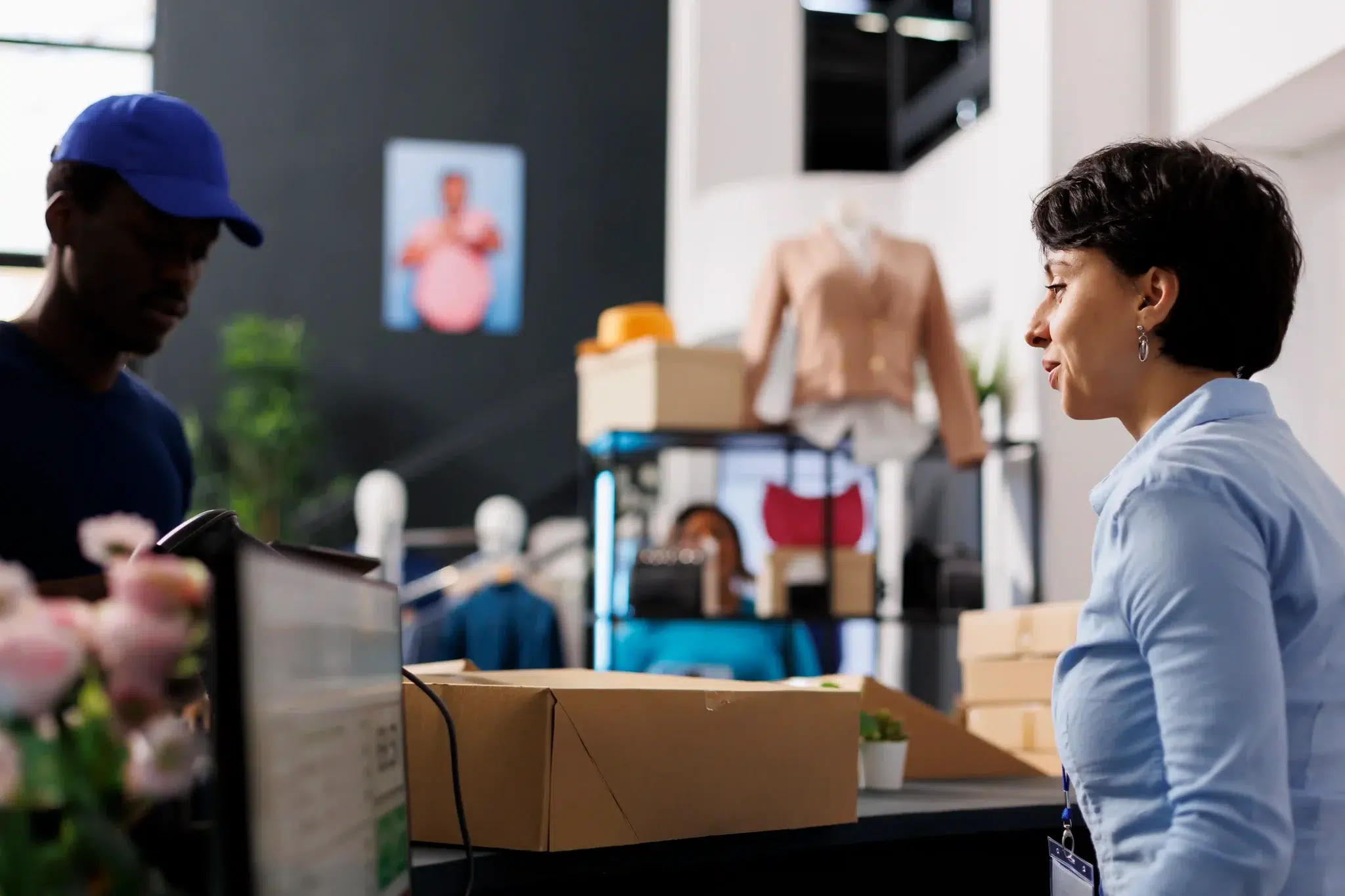
” Ship From Store” is an omnichannel logistics model that is particularly well-suited for retailers with multiple stores and an e-commerce channel. It allows certain retail locations to be treated as both inventory sources and shipping locations.
This integration of brick-and-mortar stores and online sales is part of a retail landscape where both channels remain active. According to INSEE’s 2025 retail outlook, sales at specialty non-food stores increased by 2.9% in volume in 2025, while online sales rose by 2.2%. For a retailer with both a physical store network and an e-commerce site, the challenge is therefore to better coordinate these assets rather than managing them as two separate channels.
Definition and Practical Example
In a traditional organization, an online order is typically fulfilled from a warehouse. With Ship From Store, it can be assigned to a store that has the product in stock and is able to ship it.
The terms “store fulfillment” and “in-store fulfillment” also refer to this approach of fulfilling orders from stores.
Example: A customer orders a pair of shoes on a retailer’s website. The central warehouse no longer has the requested size, but three stores each still have one pair in stock. The system can select one of these stores, reserve the item there, and then forward the order to the local team. The product is picked, inspected, packaged, and then handed over to the carrier.
However, this does not mean the store becomes a full-fledged warehouse. It only handles the operations necessary for in-store order fulfillment and shipping.
This distinction is important. Turning every store into a warehouse-style store without defining a process can quickly throw teams into disarray.
How is this different from click-and-collect?
Both click-and-collect and Ship From Store use store inventory. The main difference lies in how the order is delivered to the customer.
| Criterion | Ship From Store | Click and Collect |
| Order | Online | Online |
| In Stock | Eligible Store | Pickup store |
| Delivery to customer | Delivery by carrier | In-Store Pickup |
| Final step | Packaging and Shipping | Availability |
| Key Challenge | Preparation and Transport | Preparation and Customer Service |
With “Click & Collect,” the customer goes to the store. With “Ship From Store,” the store actually ships the order directly from the store.
Both models can coexist. However, they are based on the same requirement: maintaining reliable inventory and preventing a product from being reserved online and sold in-store at the same time.
How does Ship From Store work?
The Ship From Store process relies on a series of decisions. The order must be assigned to the correct location, the inventory reserved, and then the order fulfillment and shipping carried out without conflicting with in-store sales.
The steps involved in an order shipped from a store
A typical process can be summarized in seven steps:
- The customer confirms their order on the e-commerce site.
- The order is centralized, and available inventory is checked.
- Stores capable of fulfilling the order are identified.
- Anorder orchestration rule selects the fulfillment location.
- Inventory is reserved, and the order is forwarded to the store team.
- The product is picked, inspected, packaged, and labeled.
- The package is handed over to the carrier, and tracking information is sent back to the sales channel.
The critical point often lies between checking inventory and reserving an item. If an item appears to be available even though it has just been sold at the register, the online order may be incorrectly assigned to the store.
How do you choose which store will fulfill the order?
The store closest to the customer is not necessarily the best shipping location.The assignment may be based on a combination of several criteria:
- the actual availability of the product and the safety stock that must be maintained;
- proximity to the customer and the expected delivery time;
- the store’s order fulfillment workload;
- transportation costs and available services;
- the store’s ability to process the order on time.
Let’s imagine two stores that carry the same item. The first is located 20 kilometers from the customer but is already processing many orders. The second is farther away but has more inventory and a team on hand.
Depending on the delivery promise and shipping costs, the second option may be the best choice.
An engine forcommand orchestration engine enables these rules to be applied automatically, rather than having teams manually decide on each order.
.sbo-video-proof-v2, .sbo-video-proof-v2 * { box-sizing: border-box; font-family: “Roboto”, Arial, sans-serif !important; } .sbo-video-proof-v2 { margin: 56px 0; padding: 40px; border-radius: 10px; background: rgba(76, 194, 241, 0.16); border: 1px solid rgba(76, 194, 241, 0.55); } .sbo-video-proof-v2__header { max-width: 780px; margin-bottom: 30px; } .sbo-video-proof-v2__kicker { display: inline-block; margin-bottom: 10px; padding: 6px 12px; border-radius: 10px; background: #4cc2f1; color: #00375a; font-size: 13px; font-weight: 700; letter-spacing: 0.02em; text-transform: uppercase; } .sbo-video-proof-v2__header h2 { margin: 0 0 12px; color: #00375a; font-size: clamp(28px, 4vw, 42px); font-weight: 700; line-height: 1.1; } .sbo-video-proof-v2__header p { margin: 0; color: #4b5b6b; font-size: 18px; font-weight: 400; line-height: 1.55; } .sbo-video-proof-v2__grid { display: grid; grid-template-columns: repeat(2, minmax(0, 1fr)); gap: 22px; } .sbo-video-proof-v2__card { overflow: hidden; border: 1px solid rgba(76, 194, 241, 0.4); border-radius: 10px; background: #ffffff; box-shadow: 0 16px 40px rgba(0, 55, 90, 0.08); } .sbo-video-proof-v2__media { position: relative; display: block; overflow: hidden; aspect-ratio: 16 / 9; background: #dbe6f5; text-decoration: none; } .sbo-video-proof-v2__media img { display: block; width: 100%; height: 100%; object-fit: cover; transition: transform 240ms ease; } .sbo-video-proof-v2__media:hover img { transform: scale(1.04); } .sbo-video-proof-v2__media::after { content: “”; position: absolute; inset: 0; background: linear-gradient( 180deg, rgba(0, 0, 0, 0.02), rgba(0, 0, 0, 0.3) ); } .sbo-video-proof-v2__play { position: absolute; z-index: 2; top: 50%; left: 50%; display: flex; align-items: center; justify-content: center; width: 62px; height: 62px; border-radius: 50%; background: #4cc2f1; box-shadow: 0 12px 28px rgba(0, 55, 90, 0.25); transform: translate(-50%, -50%); } .sbo-video-proof-v2__play::before { content: “”; display: block; width: 0; height: 0; margin-left: 4px; border-top: 9px solid transparent; border-bottom: 9px solid transparent; border-left: 14px solid #ffffff; } .sbo-video-proof-v2__content { padding: 24px; } .sbo-video-proof-v2__client { margin: 0 0 8px; color: #6a7785; font-size: 14px; font-weight: 700; line-height: 1.4; letter-spacing: 0.04em; text-transform: uppercase; } .sbo-video-proof-v2__stat { margin: 0 0 12px; color: #00375a; font-size: 28px; font-weight: 700; line-height: 1.12; } .sbo-video-proof-v2__text { margin: 0 0 18px; color: #4b5b6b; font-size: 16px; font-weight: 400; line-height: 1.5; } .sbo-video-proof-v2__link { color: #007ea8; font-weight: 700; text-decoration: none; } .sbo-video-proof-v2__link:hover, .sbo-video-proof-v2__link:focus { text-decoration: underline; } @media (max-width: 860px) { .sbo-video-proof-v2 { padding: 28px; } .sbo-video-proof-v2__grid { grid-template-columns: 1fr; } } @media (max-width: 520px) { .sbo-video-proof-v2 { padding: 22px; border-radius: 10px; } .sbo-video-proof-v2__header h2 { font-size: 28px; } .sbo-video-proof-v2__header p { font-size: 16px; } .sbo-video-proof-v2__stat { font-size: 23px; } .sbo-video-proof-v2__play { width: 54px; height: 54px; } .sbo-video-proof-v2__play::before { border-top-width: 8px; border-bottom-width: 8px; border-left-width: 12px; } }Quand les boutiques deviennent des points d’exécution logistique
Découvrez comment Shippingbo aide les retailers et marques omnicanales à mieux coordonner commandes, stock, préparation et expédition lorsque plusieurs sites peuvent participer à l’exécution des commandes.

Du Bruit Dans la Cuisine
Transformer une boutique en point d’expédition
Du Bruit Dans la Cuisine illustre parfaitement l’enjeu du Ship From Store : utiliser les boutiques comme points d’exécution, tout en gardant le contrôle sur les stocks, les commandes et l’expédition.
Lire le témoignage
TeamTex
Centraliser les commandes, le stock et l’expédition
TeamTex montre comment Shippingbo aide à centraliser les commandes, les stocks, l’étiquetage, le transport et le suivi colis dans une même organisation opérationnelle.
Lire le témoignageWhat are the advantages and limitations of Ship From Store?
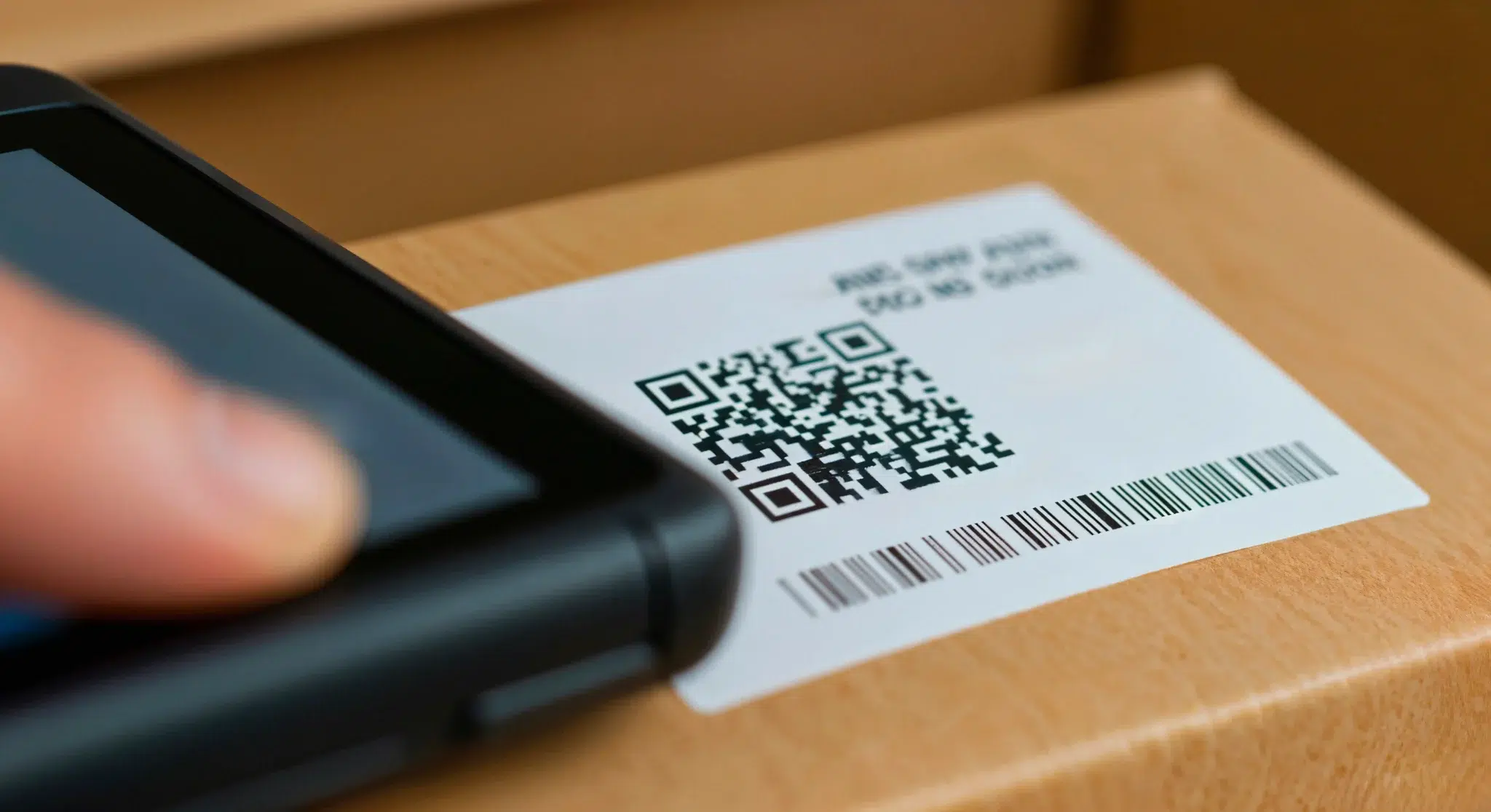
The benefits of Ship From Store depend directly on inventory reliability and the stores’ ability to handle the additional operations. Adding shipping locations is not enough to improve performance if the organization is not ready.
Product availability, lead times, and inventory turnover
The primary benefit isto expand the inventory available for the e-commerce channel. An item that is out of stock in the warehouse may still be available in several stores.
This allows the retailer to mitigate certain apparent stockouts and better utilize slow-moving items in a store.
Shipping from a store near the recipient can also shorten certain delivery routes. However, this benefit is not automatic: it depends, in particular, on order-fulfillment schedules, carrier pickup times, and the network’s location.
| Potential Benefits | Limitations to Anticipate |
| More inventory available online | Sufficiently reliable in-store inventory |
| Fewer apparent stockouts | Risk of double reservations |
| Improved turnover for certain inventory items | Additional workload in-store |
| Greater flexibility in fulfillment | Organization of pickups |
| Potential reduction in certain trips | Variable order fulfillment costs |
” Ship From Store ” is therefore particularly useful when a retailer has inventory spread across multiple locations and wants to make better use of it.
Challenges for Stores and Teams
The drawbacks of Ship From Store become apparent when e-commerce order fulfillment is simply added to sales associates’ existing tasks.
An employee may have to interrupt their work to locate a product, pack a box, or print a shipping label. During peak hours, this workload directly competes with sales activities.
Space is also a factor. Even just a few orders a day require packaging materials, a preparation area, and a designated spot for packages awaiting pickup.
Finally, teams must know how to handle exceptions: out-of-stock items, damaged products, orders not prepared on time, or unavailable carriers.
Therefore, not all stores necessarily need to handle shipping. For some retail chains, it makes more sense to select a few stores capable of effectively managing these operations.
What are the prerequisites for implementing Ship From Store?
Before deployment, the retailer must define its inventory, allocation rules, and on-the-ground organization. “Ship From Store” is first and foremost an operational project before it is a software issue.
Having a reliable view of inventory
The first requirement is a unified inventory that is reliable enough to manage orders.
It is not enough to simply add up the quantities in the stores. You need to know the stock that is actually available for sale after accounting for reservations, sales at the register, and inventory movements.
Without fast enough synchronization, a unit may be sold in a store just moments after being reserved for a customer online.
The more execution points there are, the more important this data quality becomes.
Define the rules for assigning orders
An order should not be automatically sent to just any store that theoretically has the product in stock.
You must decide which retail locations can fulfill orders, under what conditions, and according to what priorities. These rules can be simple at first, but they must be explicit.
Omnichannel order management software then makes it possible to centralize this process and avoid manual decision-making between sites.
Organize order fulfillment and shipping to stores
The store must also have an appropriate physical process in place. Before launching the system, it is particularly important to verify the following:
- the availability of a space for picking, checking, and packing orders;
- the availability of packaging materials and printing supplies;
- team training and exception management;
- carrier pickup schedules;
- the daily capacity the store can handle without disrupting its core business.
A pilot program involving a few stores generally allows you to test these parameters before rolling out the model to the rest of the network.
How does Shippingbo help manage Ship From Store operations?
Ship From Store requires the coordination of orders, inventory, fulfillment, and transportation. This is where the OMS, WMS, and TMS systems come into play.
Shippingbo facilitates the execution of this system but does not replace the retailer’s organizational framework: the selection of stores, team capacity, and fulfillment processes must be defined in advance.
Assign orders to the right store with an OMS
A Ship From Store OMS centralizes orders and determines which location is responsible for fulfilling them.
The WHO e-commerce platform, Shippingbo, enables companies to coordinate orders based on inventory sources and rules defined by the company.
When used with Shopify POS, Shippingbo can identify a relevant store based on factors such as available inventory and geographic proximity. The order is then accessible to the store team.
The WMS thus acts as the coordinator between the sales channel and the various fulfillment sites.
Ensuring Reliable Inventory and Fulfillment with a WMS
Once the order has been assigned, the process must be executed correctly.
The Shippingbo e-commerce WMS allows you to structure inventory management and order fulfillment operations according to the required level of organization.
Tracking movements, conducting inventory counts, and performing packing checks help reduce the discrepancy between the computerized inventory and the physical inventory.
The goal is not to turn a store into a large warehouse, but to maintain a level of control commensurate with the volumes handled.
Automate transportation and tracking with a TMS
An order prepared in-store must ultimately be able to be shipped without requiring excessive handling.
The Shippingbo e-commerce TMS allows you to apply shipping rules, generate the necessary documents, and upload tracking information.
In the Shopify POS workflow via Shippingbo, the seller can initiate shipping from the store. Shippingbo then generates the shipping label according to the defined shipping mapping rules, and the tracking information is synced back to Shopify.
The OMS determines where to process the order, the WMS helps ensure the reliable physical fulfillment of the order, and the TMS organizes its shipment. It is this complementary relationship that makes it possible to build a true omnichannel logistics system.
Making “Ship From Store” a Streamlined Process
Ship From Store can increase product availability, make better use of store inventory, and offer greater flexibility. However, these benefits depend on three factors: reliable inventory, clear allocation rules, and stores that are actually capable of fulfilling orders.
So the project isn’t just about enabling stores to print labels. It involves linking orders, inventory, fulfillment, and shipping into a single process.
Shippingbo brings together the OMS, WMS, and TMS components needed to orchestrate and execute these workflows. However, defining the network and organizational framework remains essential.
Talk to a Shippingbo expert to assess the workflows and requirements for your Ship From Store project and request a demo tailored to your organization:
 hbspt.cta.load(19573982, ‘f3f42039-5ca4-4153-8e04-e080e902fd23’, {“useNewLoader”:”true”,”region”:”eu1″});
FAQ
@import url(‘https://fonts.googleapis.com/css2?family=Roboto:wght@300;400;700&display=swap’);.faq{font-family:’Roboto’,arial,sans-serif}.faq-item{border:1px solid #e5e7eb;border-radius:8px;margin-bottom:12px;background:#fff;overflow:hidden}.faq-button{width:100%;text-align:left;padding:16px 20px;font-size:20px;font-weight:700;color:#0C375A;background:#fff;border:0;cursor:pointer;display:flex;align-items:center;justify-content:space-between;font-family:’Roboto’,arial,sans-serif}.faq-button:focus{outline:2px solid #0C375A;outline-offset:2px}.faq-icon{font-size:20px;flex:0 0 auto}.faq-panel{padding:0 20px 16px 20px;display:none}.faq-panel.open{display:block}.faq-panel p{margin:0;font-size:18px;line-height:1.6;color:#000;font-weight:300;font-family:’Roboto’,arial,sans-serif}.faq-panel p strong{font-weight:700}{“@context”: “https://schema.org”, “@type”: “FAQPage”, “mainEntity”: [{“@type”: “Question”, “name”: “Qu’est-ce que le Ship From Store ?”, “acceptedAnswer”: {“@type”: “Answer”, “text”: “Le Ship From Store consiste à préparer et expédier une commande en ligne depuis le stock d’un magasin physique plutôt que depuis un entrepôt central.”}}, {“@type”: “Question”, “name”: “Comment fonctionne le Ship From Store ?”, “acceptedAnswer”: {“@type”: “Answer”, “text”: “Le système identifie les sites disposant du stock, sélectionne un magasin éligible, réserve les produits puis transmet la commande à l’équipe locale pour préparation et expédition.”}}, {“@type”: “Question”, “name”: “Quels sont les avantages du Ship From Store ?”, “acceptedAnswer”: {“@type”: “Answer”, “text”: “Les principaux avantages du Ship From Store sont une meilleure disponibilité des produits, une meilleure exploitation des stocks magasins et davantage de flexibilité dans l’affectation des commandes.”}}, {“@type”: “Question”, “name”: “Quelle différence entre Ship From Store et click and collect ?”, “acceptedAnswer”: {“@type”: “Answer”, “text”: “Avec le click and collect, le client retire sa commande en magasin. Avec le Ship From Store, le magasin prépare la commande puis remet le colis à un transporteur chargé de le livrer au client.”}}, {“@type”: “Question”, “name”: “Comment éviter les erreurs de stock en Ship From Store ?”, “acceptedAnswer”: {“@type”: “Answer”, “text”: “Il faut synchroniser les ventes et les mouvements de stock entre les différents canaux, réserver rapidement les unités affectées aux commandes web et maintenir une bonne fiabilité des inventaires.”}}]}Ship From Store involves preparing and shipping an online order from a physical store’s inventory rather than from a central warehouse.
The system identifies locations with available inventory, selects an eligible store, reserves the products, and then forwards the order to the local team for fulfillment and shipping.
The main benefits of Ship From Store are improved product availability, better utilization of store inventory, and greater flexibility in order fulfillment.
With Click & Collect, the customer picks up their order at the store. With Ship From Store, the store prepares the order and then hands the package over to a carrier responsible for delivering it to the customer.
You need to synchronize sales and inventory movements across different channels, quickly set aside the units allocated to online orders, and maintain high inventory accuracy.
Glossary
Click and Collect
A pickup method in which the customer places an order online and then picks up the order at a physical store. Unlike ” ship from store,” the store does not hand the package over to a carrier.
OMS or Order Management System
Software for managing andorchestrating orders. It centralizes orders from various channels and can determine the most appropriate location to process them based on rules defined by the company.
Ship from store
A model in which an online order is picked and shipped from a physical store’s inventory rather than from a central warehouse.
Unified stock
A consolidated view of available inventory across various stores, warehouses, and other logistics sites. It shows which quantities can actually be offered for sale and allocated to an order.
Store fulfillment / in-store fulfillment
Terms referring to the fulfillment of an order from a physical store. They may include order preparation, inspection, and, in the case of “Ship From Store,” shipping the order from the point of sale.
TMS or Transport Management System
Software that manages transportation-related operations. In particular, it can apply carrier selection rules, generate shipping labels, and centralize package tracking.
WMS, or Warehouse Management System
Software for managing warehouse operations and order fulfillment. It helps ensure the reliability of inventory, product movements, inventory counts, and order fulfillment.