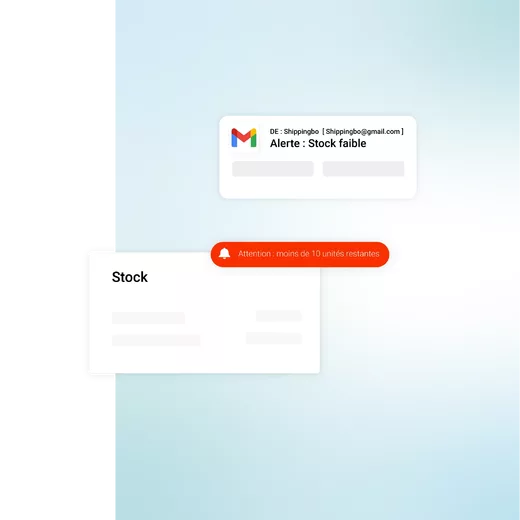
Out of stock? Detected before they even exist.
Thanks to configurable alerts, you can anticipate and automate your replenishment decisions. Information is visible in the product catalog, as a visual alert, and communicated to the right people, at the right frequency, via email.
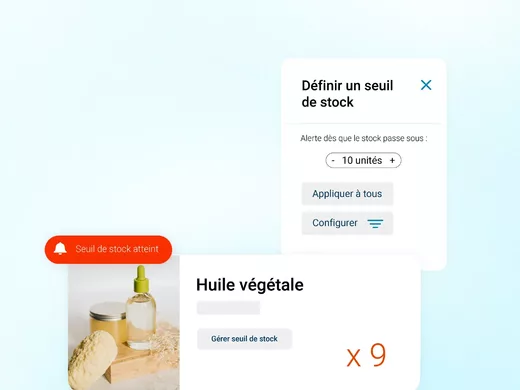
Configure customized alert thresholds
Define customized stock thresholds for each product. Apply a default threshold to your entire catalog, or set up a specific alert per item. This fine-tuned stock management ensures that you are alerted at the right moment.
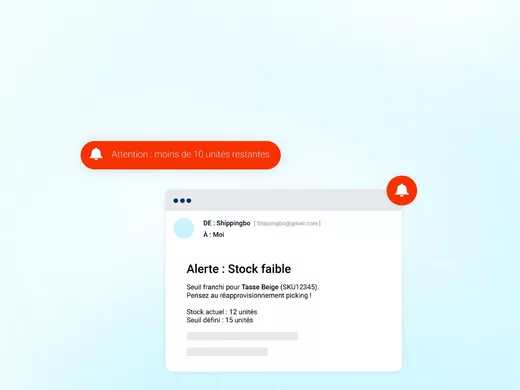
Email alerts & dashboard
As soon as a threshold is crossed, the system triggers an alert. Notifications are visible on the dashboard, and can be e-mailed to the right people to enable them to react quickly and plan replenishments.
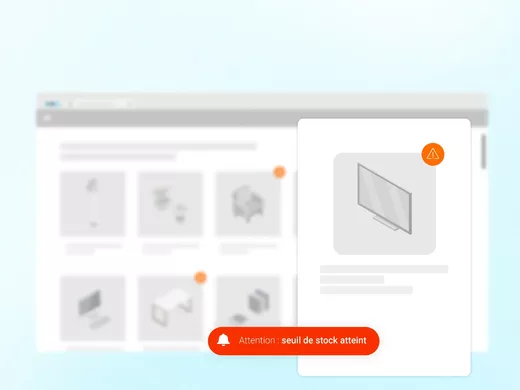
Visual tracking in the product catalog
For instant visibility, products under alert are identified by a visual badge in your product catalog. This makes it easier to identify replenishment priorities, and speeds up decision-making.
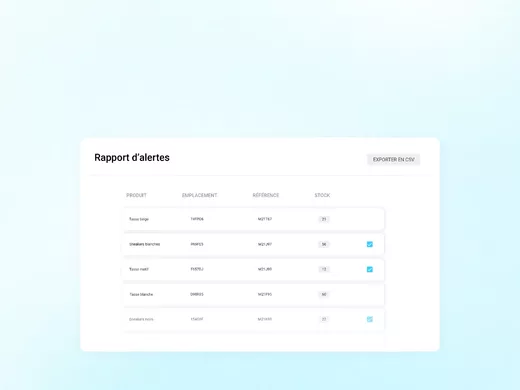
Inclusion in exportable reports for in-depth analysis
Information on products on alert is compiled in a CSV exportable report. This report gives you an overview of your critical stocks, and helps you refine your purchasing and < ahref="https://www.shippingbo.com/en/fonctionnalites/e-commerce-procurement/" target="_blank" rel="noopener noreferrer">stock replenishment strategy.
FAQ : Frequently asked questions about stock alerts?
Can we define different thresholds for different products?
Yes, you have great flexibility. You can apply a global default threshold or a specific threshold per product, based on its criticality or speed of sale.
Who receives alerts and how often?
You have total control. Choose exactly who receives e-mail alerts (logistics, purchasing, etc.). Notifications are also visible in real time on the dashboard.
Where can I see my alert products?
They are identified by a visual badge in the product catalog. One click takes you to the complete list. They are also included in downloadable reports.
How does this feature help prevent overstocking?
By alerting you at the right moment, it enables you to plan the right restocking and avoid emergency or excessive purchases.