

Connecting Magento UPS simplifies part of the shipping flow: labels are easier to edit, tracking is cleaner and some re-keying is eliminated. As long as operations remain simple, this integration can be enough to save real time on a daily basis.
- Magento and UPS: Two Tools with Very Distinct Roles
- Why Connect Magento to UPS?
- Why this integration isn’t enough
- Why a Magento + OMS/TMS + carriers architecture is more scalable
- Shippingbo: The Solution for Orchestrating the Entire Process
Connecting Magento and UPS allows you to better manage shipments without having to overhaul your entire system. Teams save time on labels, reduce the need for re-entry, and provide customers with more accurate tracking information. For a store looking to make its shipments more reliable without overcomplicating its tech stack, this is often a logical first step.
But it’s important to be clear about what this connection really covers. It improves the link between the order and the carrier. It’s not enough to manage the entire logistics mechanism behind it: there’s no real orchestration of flows, no solid stock logic, no robust response when cases multiply. As long as the business remains simple, it works. As soon as volumes rise or exceptions become more frequent, the limit is quickly reached. From then on, it’s no longer just a question of shipping better. It’s about managing execution.
Magento and UPS: two tools with very different roles
Before discussing integration, we need to put each tool in its proper context.
Magento: sales and order management (e-commerce CMS)
Magento is all about selling. It drives the store, the catalog, orders, the shopping experience and part of the sales back-office. It’s a tool designed to run the e-commerce channel. However, as soon as the logistics become denser, more omnichannel or more demanding, it is no longer intended to carry the entire execution logic on its own.
UPS: Delivery Management (Carrier)
UPS handles the shipping aspect : picking up packages, routing, tracking deliveries, and, depending on the situation, managing some returns. Integrated with Magento, it primarily streamlines shipping by connecting the online store to a shipping module. This is useful for improving the efficiency of order fulfillment. However, it is not sufficient to establish a comprehensive logistics management system.
Why connect Magento to UPS?
When shipping becomes a daily burden, the challenge isn’t just about moving faster. It’s also about eliminating anything that unnecessarily slows down operations. Connecting Magento to UPS streamlines this workflow: less data re-entry, simpler label generation, and more accurate customer tracking.
In practice, this integration primarily addresses three immediate needs:
- reduce re-entry of data between the store and the carrier
- speed up shipment processing
- improve the transmission of tracking information to the end customer
Automate Order Processing
Connecting Magento to UPS streamlines the process from order placement to shipping. Information flows more smoothly, unnecessary manual steps are reduced, and the team spends less time manually redoing tasks that the tools can already handle.
Generate shipping labels
This is often the first noticeable benefit. UPS Magento shipping labels are generated faster, without having to re-enter addresses or constantly switch between interfaces. The result: shipments become easier to manage on a daily basis.
Provide tracking to customers
UPS and Magento tracking also clearly improves the post-purchase experience. When tracking data is displayed correctly, the information is easier to read, “Where’s my package?” inquiries decrease, and the customer experience becomes smoother.
Why this connection alone isn’t enough
This is often where the confusion begins. A Magento + UPS connection deals primarily with the subject of labels and shipping. It does not, on its own, cover the entire logistics logic.
| Limit | What this results in on a daily basis |
| Lack of business logic and advanced automation | Teams must handle exceptions manually, without detailed rules based on channel, inventory, or order priority. |
| No multi-carrier management | It’s difficult to balance cost, delivery time, destination, or service level based on individual orders. |
| Lack of centralized workflow management | Information remains scattered across the store, shipping, tracking, and returns. |
| Limited visibility and control | Issues are discovered too late, and management becomes reactive. |
| Significant limitations as volumes increase | Errors in labeling, routing, or tracking become more prevalent as business grows. |
Simply put, a direct connection meets a basic need. However, it is not sufficient to build a Magento logistics automation system once operations become more complex.
Why a Magento + OMS/TMS + carriers architecture is more scalable
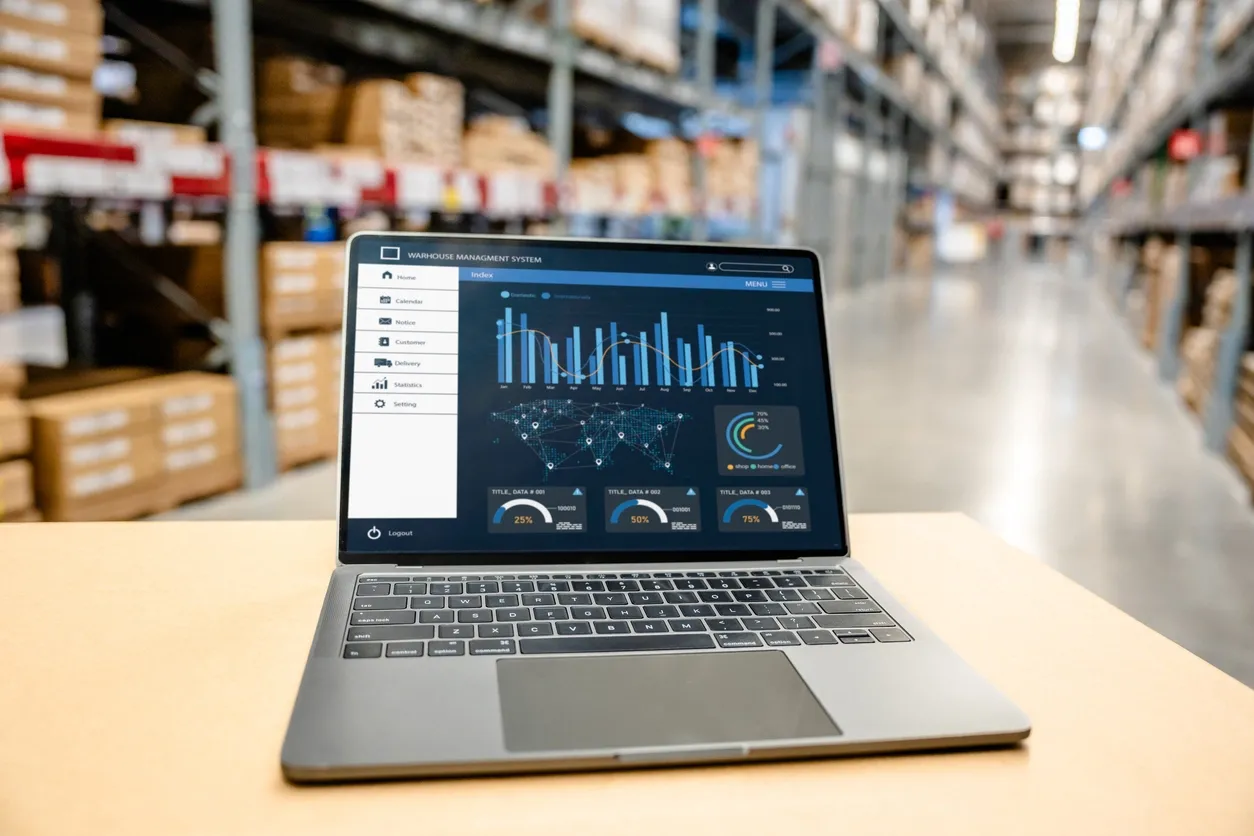
A direct connection between Magento and a carrier may be sufficient as long as the workflows remain simple. But as soon as the business grows in volume, channels, or complexity, this model quickly reaches its limits. At this point, the challenge is no longer just about shipping, but about maintaining control without increasing manual processing. This is where an architecture incorporating an OMS, TMS, and carriers proves more robust: it absorbs the complexity without passing it back to the teams.
Position Magento as a sales channel, not as a logistics tool
Magento is very good at selling, managing the store, the order and the shopping experience. But it doesn’t have to carry all the logistics logic. As soon as you add too many shipping rules, stock exceptions or multi-carrier scenarios, the CMS becomes rigid, and each new need requires one more workaround.
Entrust order orchestration to an OMS/TMS
That is exactly what an OMS and a TMS: the decision-making layer that’s missing between order placement and shipping. They do more than just pass information along. They structure workflows, apply business rules, assign the appropriate scenarios, and relieve teams of some of the repetitive decisions that slow down execution and lead to errors.
Centralize orders, inventory, carriers, and tracking
The problem with fragmented logistics isn’t just the number of tools. It’s the fact that none of them truly provides an overarching view. Orders are in Magento, inventory is managed elsewhere, shipping is handled in another tool, and tracking is managed yet elsewhere. A logistics solution for Magento brings these components together within a single operational framework, providing greater visibility, reducing data re-entry, and minimizing reliance on manual checks.
Automate shipping rules and reduce errors
The challenge is not just toautomate label production. The challenge is above all
Manage growth, volumes, and multi-carrier operations more easily
When business picks up, complexity quickly follows: more carriers, more destinations, more shipments, more exceptions. A well-designed architecture can handle this increased workload without overwhelming teams. A direct connection, on the other hand, remains viable only as long as there’s someone to handle the extra workload. And that’s often where growth eventually slows down.
Shippingbo: The Solution to Orchestrate It All
At a certain point, the issue is no longer simply adding a connection between Magento and UPS. The issue is preventing a growing logistics operation from relying on a pileup of gateways, manual checks, and last-minute corrections. As long as operations remain simple, this approach can work. But as soon as workflows become more complex, it becomes costly, slow, and fragile. That’s where an orchestration layer changes the game: it replaces a cobbled-together logistics system with a managed one.
Why add an orchestration layer to your environment
Shippingbo is not just another tool. It’s a way of bringing coherence where roles have become mixed up. Magento continues to sell. UPS continues to deliver. And in between, Shippingbo takes care of what’s most often missing: order coordination, stock logic, shipping rules, selection of the right carrier, flow tracking and exception handling.
In other words, we’re no longer talking about a simple collection of connections. We’re talking about a system capable of executing tasks in the correct order, following the right rules, without relying on an internal decision-maker for every decision.
When Does This Architecture Become Relevant?
The tipping point is rarely theoretical. It becomes apparent in day-to-day operations. Volumes rise, channels multiply, special cases pile up, and carriers diversify—yet operations don’t become any easier to manage. Teams then spend their time monitoring, correcting, mediating, and playing catch-up. At that point, the Magento-UPS integration no longer solves the underlying problem. It still helps with shipping, but it’s no longer enough to keep everything running smoothly. What’s needed is no longer just a shipping integration. It’s a layer capable of absorbing the complexity without turning every order into a special case.
The most common warning signs are as follows:
- Teams still spend time manually checking orders, statuses, or labels
- The choice of carrier still depends on decisions made on a case-by-case basis based on destination, weight, or service level
- Workflows between Magento, inventory, shipping, and returns remain spread across multiple tools
Connecting isn’t enough; orchestration is the real issue
Connecting Magento to UPS is useful. But it’s not a logistics strategy. It’s just one building block.
When your priorities become reliability, centralization, and scalability, you need to move beyond the “one store, one app, one carrier” mindset and adopt a more robust architecture. Shippingbo specifically helps e-commerce merchants orchestrate orders, inventory, carriers, and tracking within a single environment, without turning Magento into a default logistics tool.
Request a Shippingbo demo to see how to build a more reliable, automated, and scalable Magento + carrier architecture.

FAQ
A simple connection may be enough at first. But as soon as volumes increase and you need to manage multiple shipping rules or carriers, an OMS like Shippingbo’s offers more comprehensive and scalable automation.
Yes. With the right tools, shipping labels can be generated automatically for each order, eliminating the need for manual data entry and ensuring smoother tracking updates.
Shippingbo lets you centralize Magento orders, automate the generation of UPS labels, and manage multiple carriers from a single interface. The benefit isn’t just connecting Magento to UPS, but orchestrating the entire logistics workflow.
As soon as order volume increases, you’re managing multiple channels, or manual processing leads to errors, a centralized solution becomes essential. It saves time, reduces errors, and helps you better manage growth.
Glossary
E-commerce CMS
A tool that allows you to create and manage an online store, such as Magento.
Scalable
Capable of handling a greater volume or greater complexity without disrupting operations.
WHO
Order Management System. A tool that centralizes and coordinates orders across sales channels and logistics.
TMS
Transport Management System. A tool that helps manage carriers, shipping rules, and shipment tracking.